



































Odoo CADLink: Integrate & Sync CAD BOM data directly to your ERP in one easy interface
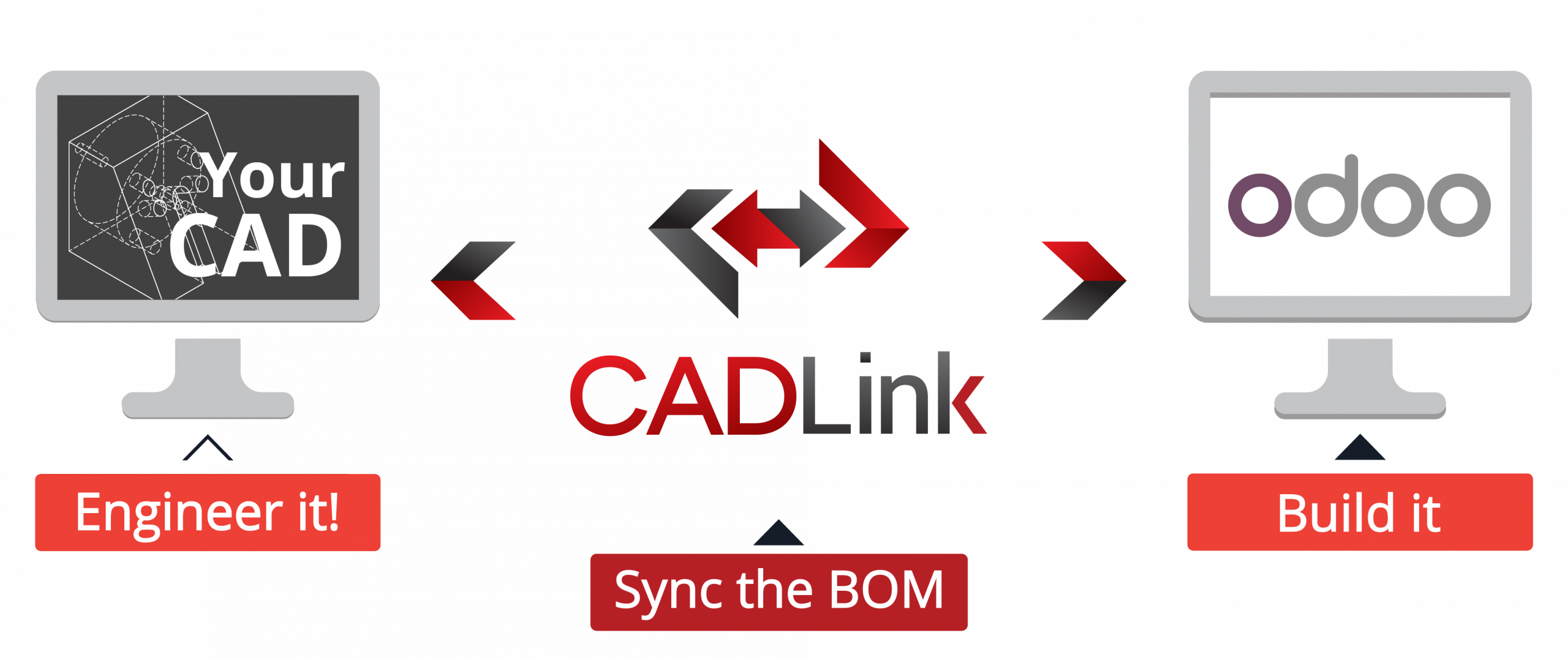
Direct CAD Integration

Your engineers live and breathe inside their CAD system and they love it! Let CADLink connect your CAD system to Odoo ERP. 

Real-time, direct, two-way link between your CAD and the Odoo ERP allows your engineers to compare, create, and update Odoo ERP Item List and BOM records from within the CAD system of your choice. An intuitive interface displays indented multi-level BOM and thumbnail preview image of the CAD part so you know what you are looking at. Integrations for all the leading mechanical and electrical CAD, as well as woodworking and structural CAD packages are available.

Direct ERP Integration

CADLink can integrate with your Products, Standard BOM and/or PLM module in Odoo ERP. All types of records are supported, including BOM references and BOM variants. Set default value or assign critical Odoo ERP fields such as Item Type, Status, etc. CADLink lets you access ERP data to see Odoo ERP drop-down fields.

Live Data Comparison

Take control of your changes. The live comparison feature lets you visually review BOM changes before committing to save. The changes and discrepancies between the two systems are colour coded to let you know what will be affected in both systems!

Bi-Directional Connection

A key to any successful relationship is two-way communication. CAD – ERP integration is no exception to this! CADLink can write back to your CAD model properties to keep your CAD engineering data in sync with your Odoo ERP.

Always Compatible

Our partnerships with Odoo ERP and your CAD provider enable us to always keep your CADLink current, working seamlessly and with no down-times during version upgrades. QBuild has the resources to develop a custom solution to satisfy your needs while tightly following your company standards.

Odoo CADLink lets your engineers create Assembly Items with manufacturing BOM structure and Assembly Items in Odoo that are identical to your CAD models. Just one click away.

Color Coded Changes

Benefit from a color coding system inside your BOM grid to quickly see results and required tasks to save into Odoo ERP.

Green rows represent new parts that will be created in your Odoo ERP Item List.
Yellow fields data discrepancy between CAD and Odoo ERP such as description or BOM quantity.
Gray rows represent parts to be removed from your Odoo ERP BOM.
Red fields  represent fields where there is a critical error preventing CADLink from allowing to save.
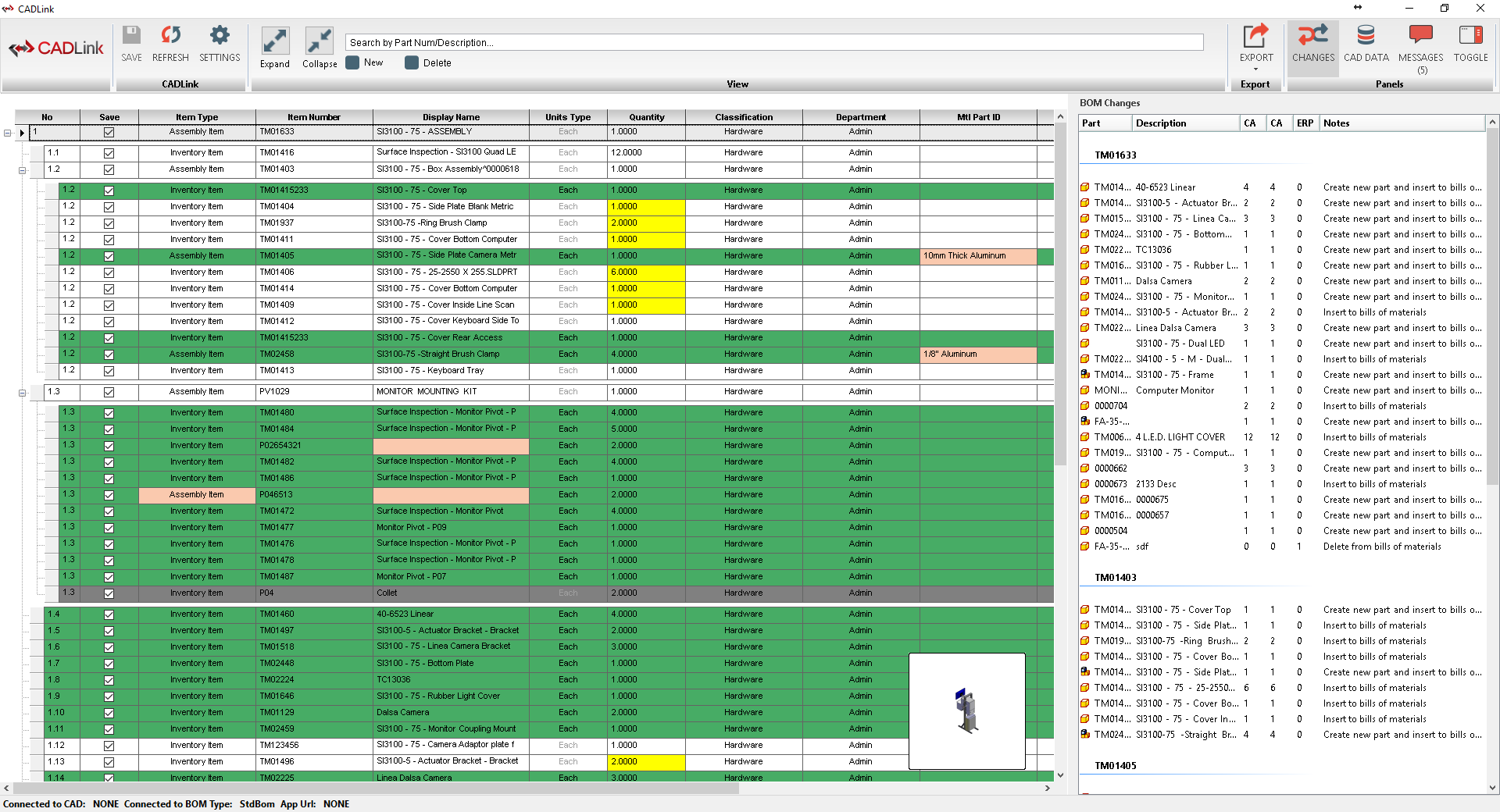
Odoo CADLink Interface

Odoo CADLink Features 

Powerful Visual Interface

Engineers are visual people. That is why CADLink offers a highly visual and intuitive interface to display BOM changes and data discrepancies.

Eliminate Duplicate Manual Data Entries

Odoo ERP CADLink’s single-step process eliminates duplicate manual data entries of engineering data in Odoo ERP.

Powerful Searches

Powerful Searches

Perform a live search in your Odoo ERP Item List and insert any non-CAD modeled items to your bill of materials. Create a complete BOM for your shop floor; not just what your engineers modeled!

Quick and Easy Routing Interface
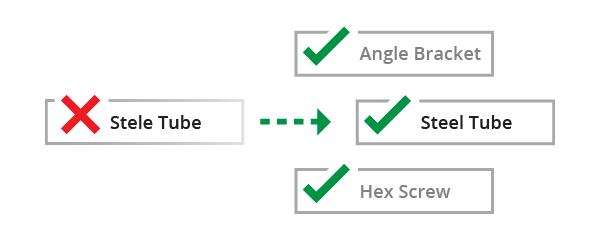
Quick and Easy Routing Interface

CADLink offers a simple interface for creating and assigning manufacturing routings and operations on your BOM. 

Discrepancy & Error Notification

Discrepancy & Error Notification

Resolve discrepancies right from the interface and automatically update both your CAD files and Odoo ERP data. CADLink validates your item, BOMs and notifies the engineer with any critical errors before saving to Odoo ERP.

Small Footprint

No dedicated IT department? No problem! Odoo ERP CADLink is a web-based application, hosted by QBuild, with a minimal software requirements. CADLink installation requires no additional database or server components, keeping a footprint as light as your work time will be.

1 Click Summary Report

Generating an Excel BOM export and a change summary PDF report for your records is easier than ever! One click is all you need to meet your documentation requirements.

Increase the speed of data flow from sales to engineering, procurement, and manufacturing

Streamlining the entire product development process by integrating your CAD systems (SOLIDWORKS, AutoCAD, CREO, Altium, CATIA, etc.) with your Odoo ERP solution gives you the edge in the competitive market. market. CADLink eliminates redundant data entry allowing engineers to focus on the designs and innovation.

With CADLink, you will see significant improvements in production speed, on-time shipments, and accuracy of Odoo ERP engineering data with reductions in engineering cost, scrapped parts, and shop floor confusions.

Benefit from an accurate and up-to-date Odoo data and improve your production throughput

In today’s fast paced industry, keeping your Odoo ERP engineering data accurate and synchronized with your engineering drawings and models quickly and accurately is critical in gaining a competitive edge. With CADLink, you will see significant improvements in time to market, on-time shipments, and accuracy of Odoo ERP engineering data with reductions in engineering cost, scrapped parts, and shop floor confusions.

QBuild Quality

You know you are getting the right solution when you work with QBuild Software! QBuild has over a decade of experience and expertise in CAD – ERP integration. QBuild was chosen as an integration partner.

AFFILIATED ODOO PARTNERS

cudio-logo-lp
Contact Us

We're not around right now. But you can send us an email and we'll get back to you, asap.

Start typing and press Enter to search